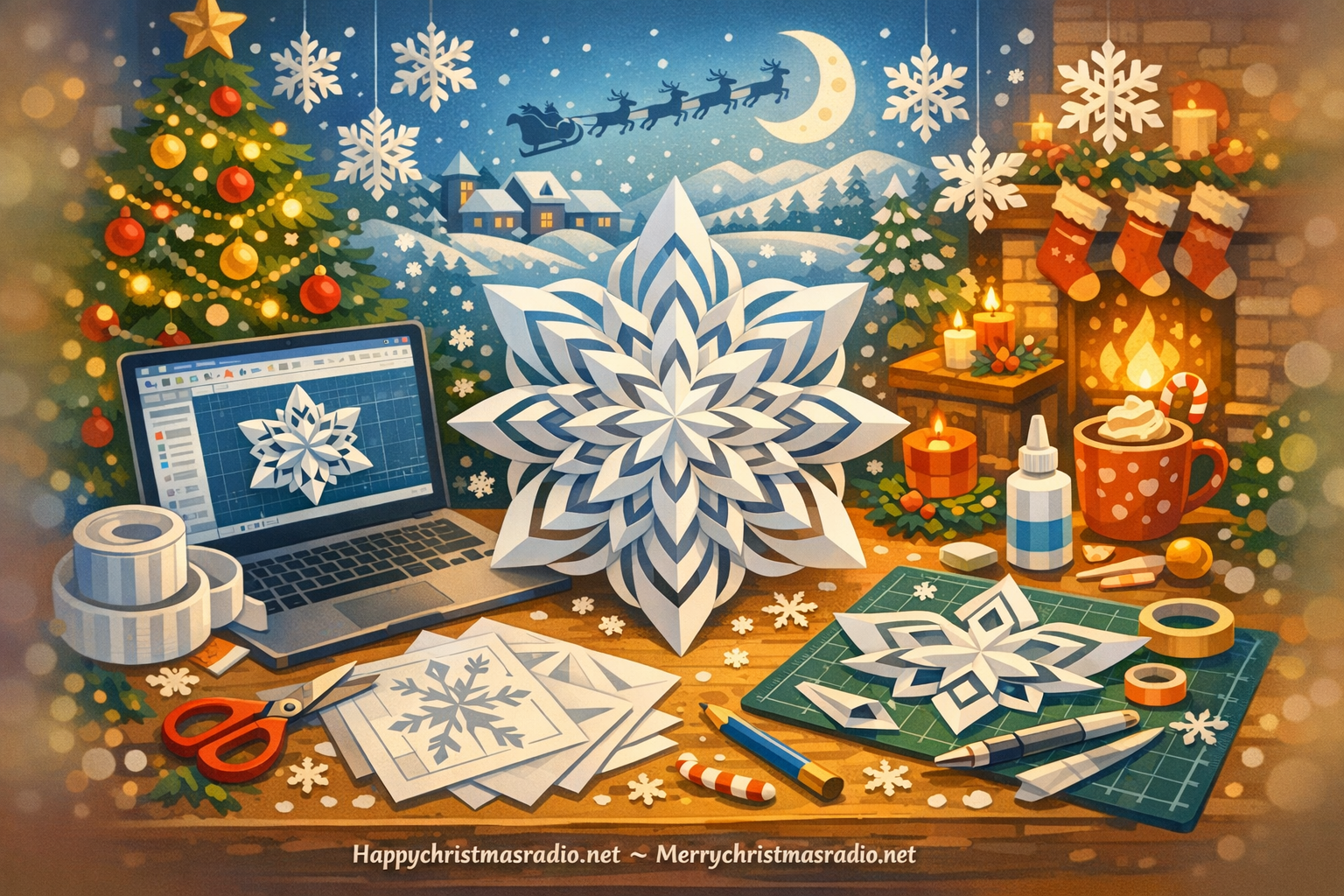
Unleash Your Creativity This Christmas
As the holiday season approaches, many of us start to think about how to adorn our homes with festive decorations. While traditional paper snowflakes are a beloved staple, why not take it up a notch and create stunning 3D paper snowflakes using Computer-Aided Design (CAD)? This innovative approach not only allows for intricate designs but also gives a modern twist to your Christmas decor. In this guide, we will explore the steps to create these delightful decorations that will surely impress your family and friends.
Getting Started with CAD
Before diving into the design process, it’s essential to familiarize yourself with CAD software. Programs like AutoCAD, Fusion 360, or SketchUp are great starting points for beginners and experienced users alike. Once you have chosen your software, take some time to learn the basic functions—drawing shapes, manipulating objects, and saving your designs. There are numerous online tutorials available that can help you get comfortable with the tools.
Designing Your Snowflake
Now comes the fun part—designing your 3D snowflake! Start by sketching out your ideas on paper. Consider the patterns and shapes that evoke the beauty of winter. Once you have a clear vision, open your CAD software and begin creating your snowflake. Use the drawing tools to create symmetrical patterns, ensuring that your design is balanced. Remember, snowflakes are unique, so feel free to experiment with different shapes and sizes.
Cutting and Assembling
Once you’re satisfied with your design, it’s time to bring it to life. Export your CAD design to a compatible file format for your cutting tool, whether it’s a laser cutter or a traditional cutting machine. Carefully select the right type of paper—consider using cardstock for a sturdier snowflake that will hold its shape. After cutting out your snowflake pieces, it’s time to assemble them. Use glue or double-sided tape to attach the layers together, creating depth and dimension.
Showcasing Your Masterpiece
Now that your 3D paper snowflake is complete, it’s time to showcase your creation! Hang them from the ceiling, decorate your windows, or even use them as table centerpieces. The beauty of these snowflakes is that they can be personalized to fit any Christmas theme, whether it’s traditional, whimsical, or modern. Plus, they make great gifts for friends and family who share a love for the holiday season.
Creating 3D paper snowflakes using CAD is not only a fun and engaging activity but also a wonderful way to add a personal touch to your Christmas decorations. So gather your materials, unleash your creativity, and let the festive spirit guide you. Happy crafting!